Skip Navigation
Search

Google Calendar
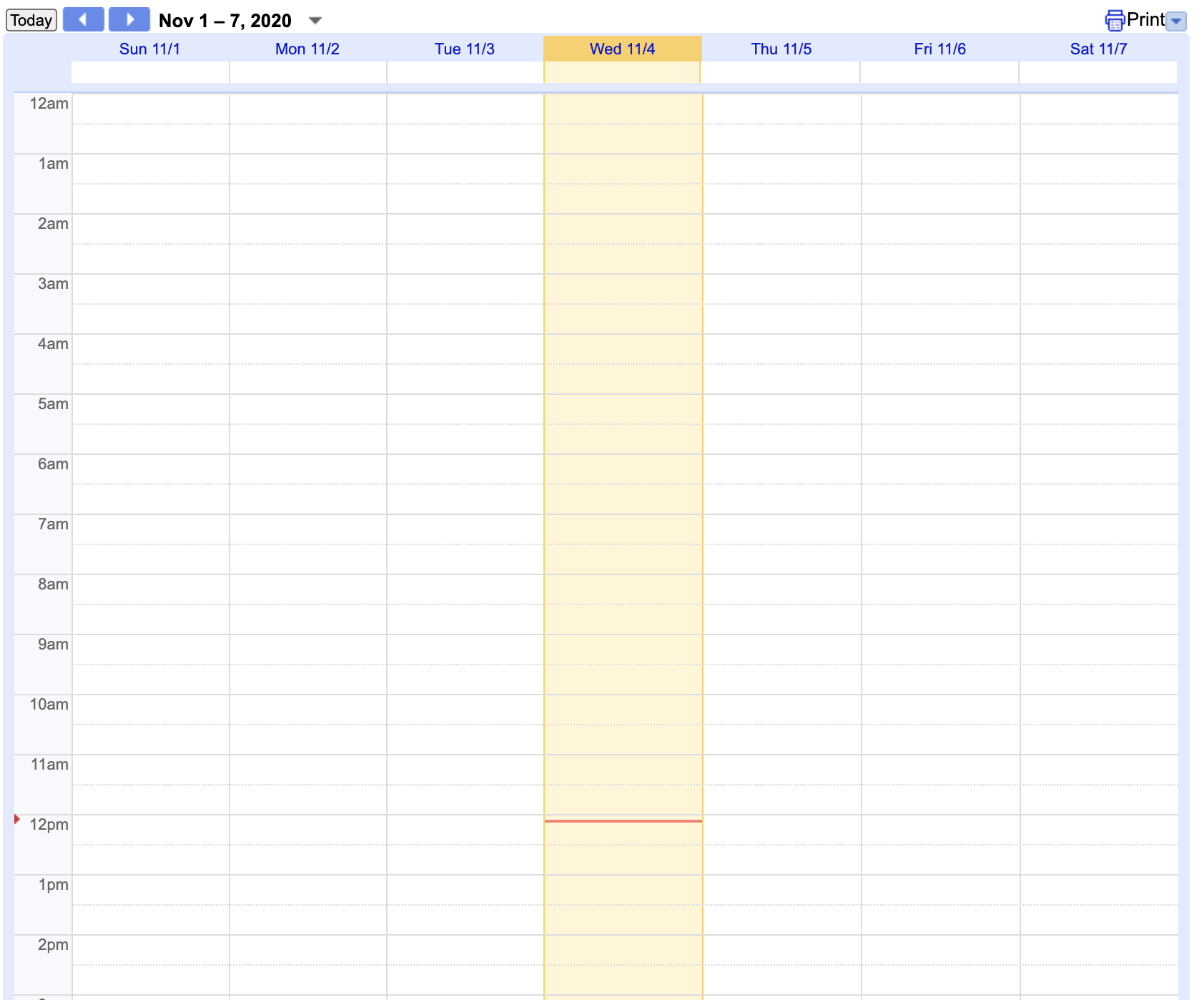
This component gives you a Google Calendar embed. You can choose between Agenda, Month and Week views.
How to Use
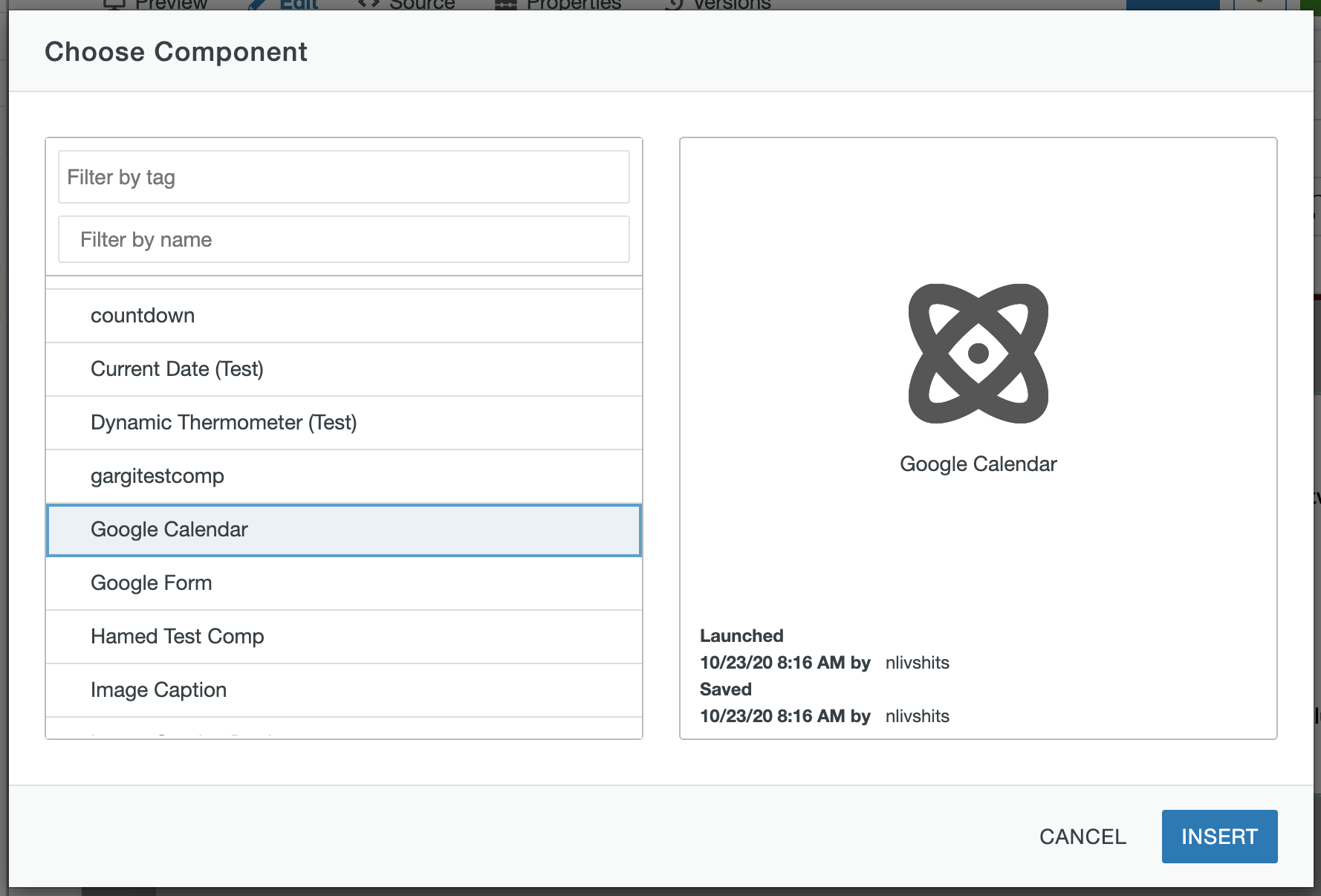
1) Click the "Insert Component" button as seen below, choose the "Google Calendar" component and click the Insert button.

2) The following modal should pop up once you click the Insert button:
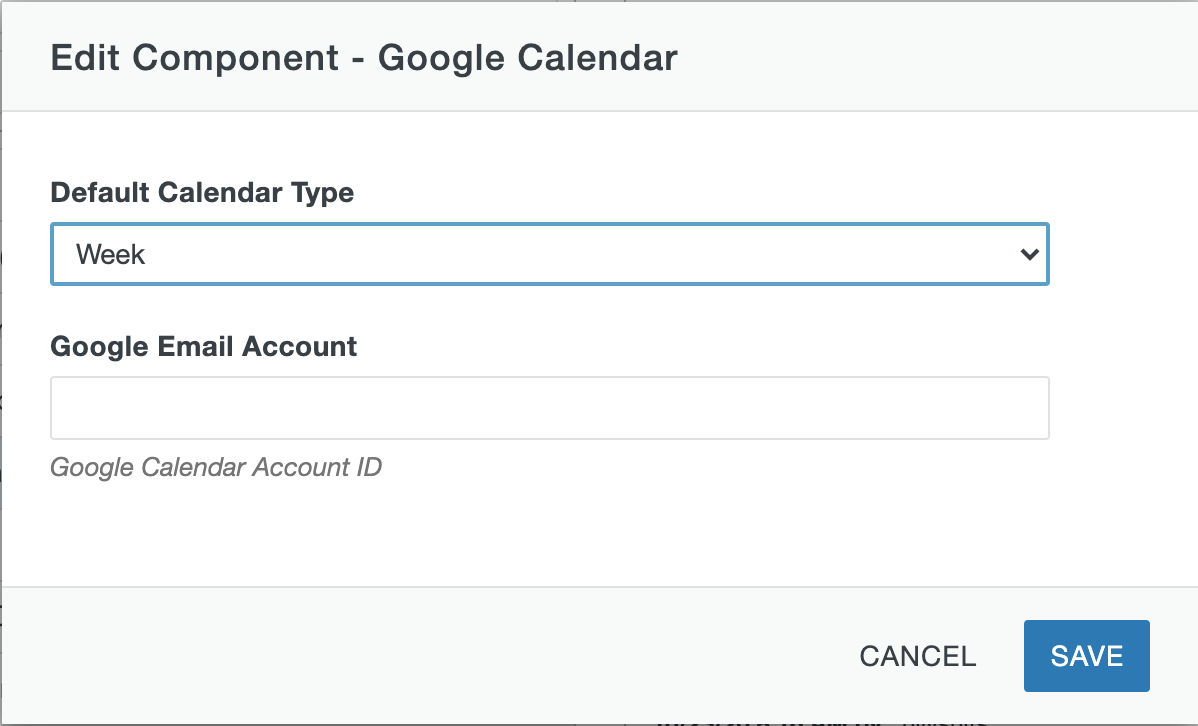
3) Choose the desired Default Calendar Type from week, month, and agenda.
4) Enter the Google email account associated with the calendar you would like to display
Google Calendar Example